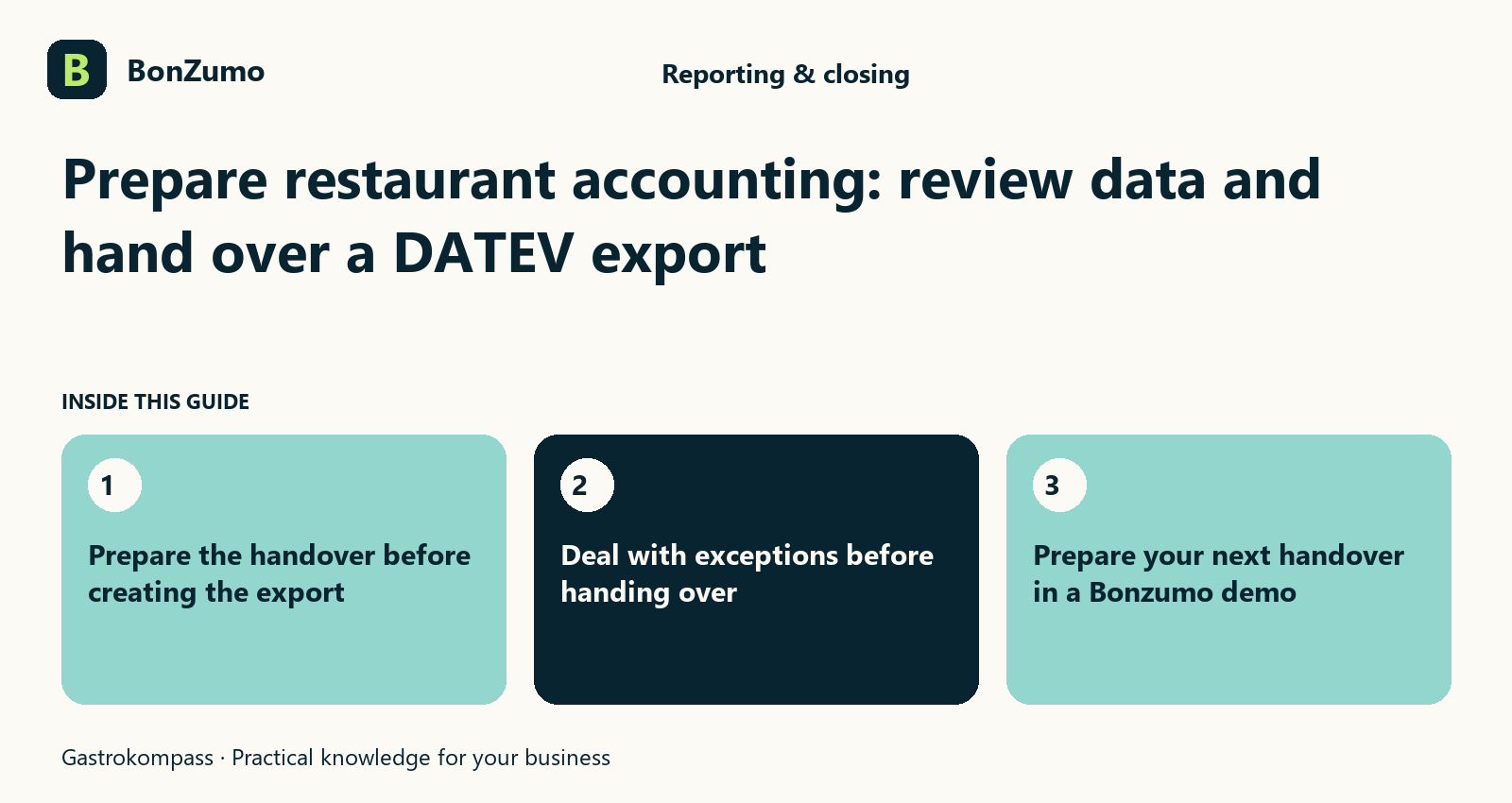
Prepare the handover before creating the export
When accounting needs information from your restaurant, every question should not trigger a fresh search. Which period is required, which documents belong to it and which transactions are still unresolved? Organised accounting preparation puts these questions into a sensible sequence. Exporting is an important step, but a file cannot by itself turn unclear source information into a professionally agreed accounting result.
Bonzumo includes preliminary account assignment, booking rules, export preparation and a DATEV booking batch with a preflight check. These functions can support the route from restaurant activity to an orderly handover. For an operator, the practical benefit is a clearer working state: you can agree what information is needed, who resolves exceptions and how the team recognises that a handover has been prepared successfully.
Agree the required scope with accounting
Start with the purpose of the handover rather than an arbitrary file. Is the requirement a month, one restaurant location or clarification of particular transactions? Which documents and data formats are actually needed? Agree these questions with the accountant or tax adviser responsible for your business. A technically generated file is useful only if its content and structure match the agreed working process.
Define the period and business context explicitly. Where several locations exist, their assignments and required information must be clear. Cash-register sales, cash movements and other invoice documents also need to be distinguished. Bonzumo should be configured around the handover your business actually needs. The result is a deliberately prepared working package rather than an attempt to export as much information as possible without a defined purpose.
Review master data and assignments in advance
Exports depend on information already present in the system. Depending on the workflow, this may include product assignments, account rules and recipient details. If those foundations are unclear, the work is merely passed to the next person. Identify which information needs initial setup and which details must be maintained as the restaurant operates.
Bonzumo contains preliminary account-assignment and booking-rule functions. The responsible professionals should agree the rules so that they fit the actual business. A default assignment is not automatically correct for every exception. During setup, show an ordinary sale and several typical special cases. This reveals which relationships are already covered and where a decision is needed before the first regular handover.
How the ideas connect
The opening sections of this article, shown together.
Prepare the handover before creating the export
When accounting needs information from your restaurant, every question should not trigger a fresh search. Which period is required,…
Agree the required scope with accounting
Start with the purpose of the handover rather than an arbitrary file. Is the requirement a month, one restaurant location or…
Review master data and assignments in advance
Exports depend on information already present in the system. Depending on the workflow, this may include product assignments, account…
Keep different document types recognisable
A restaurant produces different kinds of documents. A receipt for a payment, an invoice issued to a customer and a supplier invoice each have a different purpose. An orderly handover preserves the document type and its relationship to the underlying activity. Similar amounts alone are not enough to establish that two records describe the same transaction.
Begin questions with the specific document and its origin. Which payment or order explains it? Is another supporting record available? Has the document already been handled through the intended process? Bonzumo provides receipt and accounting contexts whose relationship should be discussed during setup. The aim is to avoid duplicate or contradictory work while keeping the source of the information understandable to the person preparing the accounts.
Select the period and recipient parameters deliberately
Bonzumo's DATEV booking-batch workflow includes a period, adviser number and client number. These parameters need to match the agreed export. Check them before creating the file, especially where several businesses or reporting periods are involved. A file can be technically valid while still answering the wrong business request if the selected scope is incorrect.
Agree a short control sequence: select the right business context, check the start and end dates, confirm recipient parameters and then run the preflight. The person creating the export should understand the choices being made. A replacement needs an equally clear description of the responsibility. Establishing these foundations once is more useful than resolving the same ambiguity by telephone at every monthly handover.
Use preflight results as a working step
Bonzumo includes a check before DATEV export and displays issues or errors requiring attention. Use these responses to investigate specific points through the intended workflow. A warning should not simply be ignored because the file is urgent. Equally, a response is not automatically proof that the original sale was wrong; first understand which record and which condition the check concerns.
When clarification is needed, begin with the affected transaction. Review the available information and pass a precise question to the responsible person. An export may be blocked when required checks are not satisfied. The team should recognise this as a defined working state. The next task is to investigate the stated cause rather than create alternative files with an unclear foundation.
Deal with exceptions before handing over
A month may include corrections, unusual payment relationships or documents supplied later. Make clear which cases are settled and which still need a professional decision. The handover becomes more useful when these distinctions are visible before processing rather than discovered unexpectedly by the recipient. A brief explanation attached to a specific issue is more helpful than a general statement that some items may differ.
For example, one query may concern an invoice settled through several part-payments. Another may concern a document that had to be provided again. Both need an understandable relationship to the original activity, but they do not necessarily receive the same treatment. Bonzumo can make source information and receipt references accessible. The responsible people determine the professional treatment through the agreed process.
Create the file and confirm what was handed over
After preparation, create the file in the intended format. Bonzumo includes a DATEV export as EXTF CSV. Agree the recipient's import and assignment requirements beforehand. After export, check that the file is actually available and that its period and business context match the request. Pressing an export button alone does not establish a successful handover.
Then use your agreed transfer method. Decide how you know that the responsible recipient has received the information and can process it. A successful download and a successful import at the other end are different steps. This article does not promise automatic live synchronisation with every accounting environment. The specific process should make its state visible so that neither side has to guess what has happened. For the recipient workflow, read agree DATEV import requirements and test a sample file.
Identify repeated files and revised versions
Sometimes an export is requested again or a new version is needed after a question has been resolved. Make clear whether the same file is being provided again or a different working state has been produced. Otherwise the recipient may be unsure which information has already been processed. An orderly handover therefore needs more than a date range; it also needs an understandable version context.
Bonzumo includes export history in its accounting environment. During a demonstration, inspect which details remain visible for a past export and how it can be found again. Agree with the recipient how replacements and additions will be treated. Repeating an export should not automatically be understood as an instruction to process every record again. Clear coordination prevents avoidable duplication of work.
Build a monthly routine with explicit roles
Divide preparation into understandable responsibilities. The restaurant resolves missing documents and known daily questions, administration checks the requested scope and professional advisers agree assignments and further treatment. Your business may distribute these roles differently; the essential point is that each open question has a responsible next step. The monthly handover should not depend on one person remembering everything.
Choose a recurring preparation point and collect difficult cases during the month where practical. Reviewing repeated questions can reveal a master-data or handover issue worth improving. Bonzumo provides common references for transactions, rules and exports. The benefit comes when those functions form a repeatable routine that another person can understand and continue when the usual owner is unavailable.
Questions about DATEV and accounting preparation
Can Bonzumo create a DATEV booking batch? An export function with preflight is present. Compatibility with your actual import process must be checked with the recipient and the proposed setup. Does exporting mean the accounting is finished? No. The file is one handover step within a wider professional process, including processing and assessment at the receiving end.
Why are adviser and client details requested? They form part of the intended export parameters and must match the agreed recipient context. What happens if preflight fails? Investigate the stated causes through the affected information rather than using an unclear workaround. Can the same file be sent again? The recipient needs to know that it is a repeat and does not represent additional transactions. What should you test first? A small, agreed period containing ordinary activity and a few representative exceptions.
Putting it into practice
Later sections put the topic in the context of day-to-day operations.
Identify repeated files and revised versions
Sometimes an export is requested again or a new version is needed after a question has been resolved. Make clear whether the same file…
Build a monthly routine with explicit roles
Divide preparation into understandable responsibilities. The restaurant resolves missing documents and known daily questions,…
Questions about DATEV and accounting preparation
Can Bonzumo create a DATEV booking batch? An export function with preflight is present. Compatibility with your actual import process…
Prepare your next handover in a Bonzumo demo
Bring the requested period, your accountant's requirements and some familiar questions. Follow the route from the restaurant transaction through its assignment and preflight to the export file. Include a preflight issue and finding a past export again. This tests the complete working process rather than simply confirming that a named file format exists.
Bonzumo can make accounting preparation easier to organise by bringing transaction, assignment and export information into a shared environment. You can hand over records more deliberately and resolve open questions with a specific reference. Arrange a reporting, closing and accounting-preparation demonstration around the requirements of your restaurant.
Technical source for the file format: DATEV format – posting batch. Agree the specific import process with your accountant.