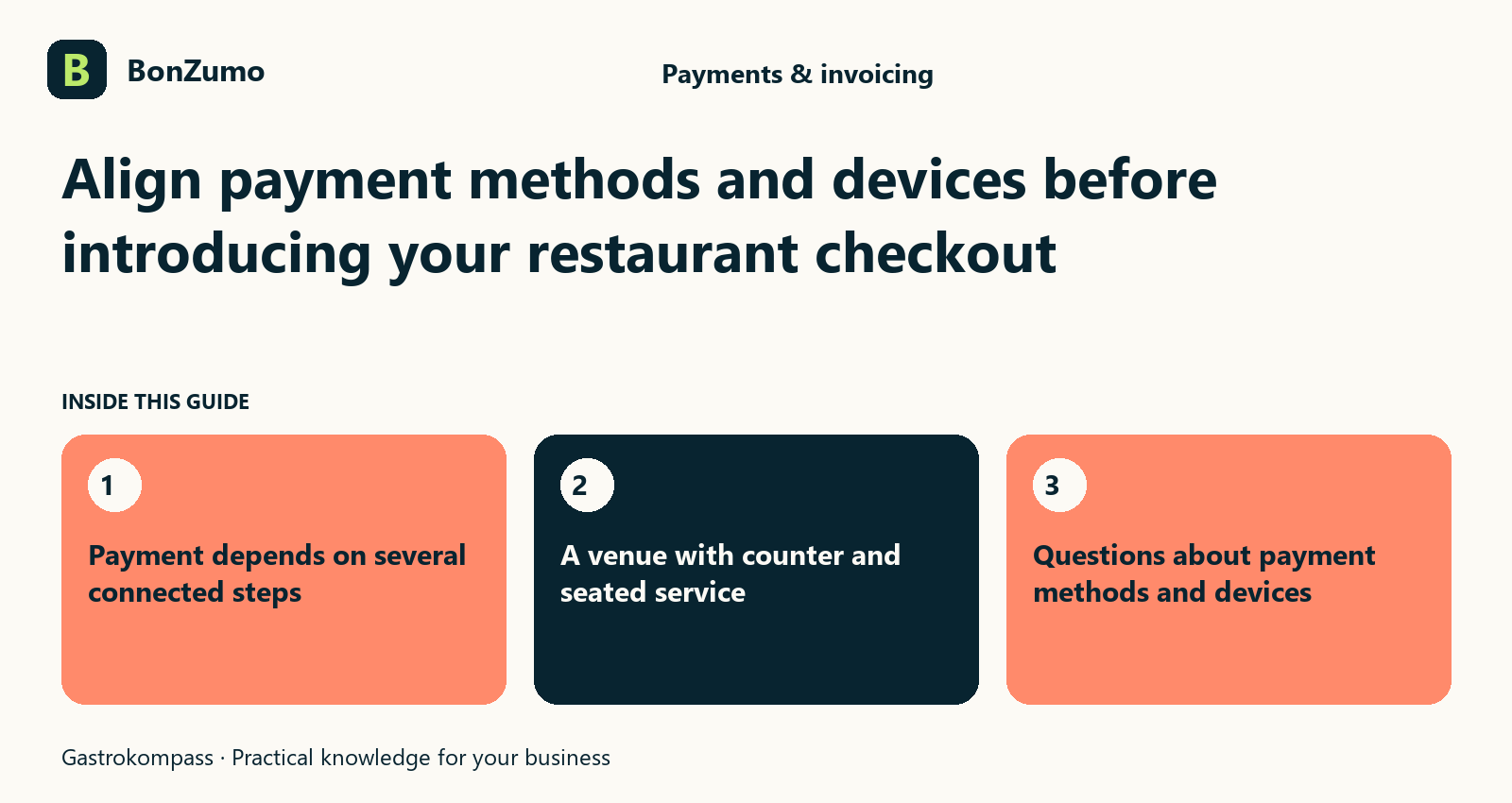
Payment depends on several connected steps
For the guest, the request is simple: pay the bill and finish the visit comfortably. Behind that moment, the bill, payment method, device and result need to agree. A clear POS screen alone does not establish which payment route works at a particular workstation. That relationship should be clarified before introducing the system.
Bonzumo includes cash payment and configured card routes within checkout. The actual devices and services used depend on the venue’s setup. Saying that card payment is possible is therefore only a starting point. The useful demonstration follows a realistic order at the planned workstation through to a confirmed result.
Start with your workstations and guests
A fixed counter device has different practical needs from payment at a table. Your business may process many small purchases in sequence or divide larger group bills into separate parts. Describe those situations first. They determine where staff need payment information and how the guest experiences checkout.
List existing devices by their exact model names and intended locations. Configuration review establishes which payment route can be set up for them. Do not treat support for a similar-looking device as confirmation for your own model. The specific supported route, connection and practical interaction are what matter.
Keep the amount connected to the payment result
Entering an amount or passing it to a device does not by itself confirm payment. Staff need to recognise whether a transaction is complete, declined or still unresolved. That distinction becomes particularly valuable when a response is delayed or the device displays an unexpected message.
Bonzumo’s payment flow processes outcomes and retains the relationship to the sale or receipt. During introduction, show staff the confirmation expected in their configured workflow. Pressing the payment control again cannot replace checking that result. Anyone investigating an uncertainty needs the existing transaction and its current state first.
How the ideas connect
The opening sections of this article, shown together.
Payment depends on several connected steps
For the guest, the request is simple: pay the bill and finish the visit comfortably. Behind that moment, the bill, payment method,…
Start with your workstations and guests
A fixed counter device has different practical needs from payment at a table. Your business may process many small purchases in…
Keep the amount connected to the payment result
Entering an amount or passing it to a device does not by itself confirm payment. Staff need to recognise whether a transaction is…
Give cash its own clear routine
Cash also deserves deliberate handling. The bill amount, any tip, the amount received and change need to remain understandable as separate values. Bonzumo includes a cash flow with entry of the amount received and consideration of the tip.
Practise exact payment and payment requiring change. For a €27 bill with €30 handed over, staff still need to know whether the guest expects €3 back or explicitly intends the total to include a tip. The banknote alone cannot answer that question. A brief clarification and the appropriate entry belong together.
Handle unresolved results without hurried repetition
A slow or interrupted payment creates pressure, especially when other guests are waiting. This is when a clear responsibility helps. Staff inform the guest and review the existing transaction with the designated colleague. They do not immediately initiate an identical second payment because the first result has not yet become visible.
Agree what information is needed for clarification before live service: table or sale, amount, payment route and displayed status. The support process with a device or payment provider depends on the particular arrangement. Bonzumo supplies the checkout context, while the business establishes how staff respond to an interruption.
Review devices in their real working location
A demonstration at a desk does not answer every question about the dining room. Check the intended workstation, the route to the guest and the connection where the device will actually be used. Different areas may have different conditions, so acceptance should reflect the planned working routes.
Agree the test environment and available test facilities in advance. Real payments should not be triggered casually as a training exercise. Record the scope of any practical check: the device, route and scenario examined. This makes it clear what a successful acceptance actually demonstrates and which items remain open.
A venue with counter and seated service
At the counter, staff process brief sales one after another. In the dining room, they split bills and capture invoice details. Both require a clear amount and payment result, but the steps before and after payment differ.
For the Bonzumo setup, review a typical counter purchase and a table checkout. Include a partial bill at the table and a cash-with-change or configured card example at the counter. These concrete situations help guide device selection and training by showing which functions each workstation needs.
Give every device a defined operating purpose
A hardware list becomes more useful when each model has an intended role beside it. Will it remain at the counter, be shared by several employees or accompany table checkout? Record the person responsible for coordinating setup as well. This allows the technical discussion to focus on actual workstations rather than a collection of model names.
Describe expected payment situations alongside the devices. A brief drinks sale, a split table bill and cash requiring change place different demands on interaction. The proposed configuration should reflect them. A device does not have to perform every task merely because it is physically present in the venue.
Bonzumo is reviewed against the intended payment routes. If existing hardware does not fit a planned workflow, the difference should be identified specifically. You can then make an informed configuration or purchasing decision instead of discovering an unverified assumption while serving the first guest.
Include location in that discussion. A device comfortably accessible behind the counter may be awkward for a seated guest, while a mobile route may introduce different handling needs. Describe the practical movement of people and equipment without assuming that one arrangement will serve every area equally well.
Use payment-status language consistently
People sometimes use started, finished, cancelled and paid loosely in conversation. For a payment, those words are not interchangeable. A card interaction that has begun may remain unresolved. A visible receipt reference may relate to a different stage from the device response currently being awaited. Ask to see the relevant displays in the actual configured Bonzumo workflow.
Agree plain language for internal questions. Saying that a device has not returned an unambiguous result and the existing transaction is being checked is more specific than saying the till is broken. It identifies the missing information and the affected payment. This supports a calm response without guessing the outcome.
The designated colleague should understand which evidence is available from the POS context and which further route is provided by the chosen payment service. A general briefing about card brands is not enough. Introduction should cover the configured connection and the results staff will see in practice.
Guests also benefit from a measured explanation. Staff should say what is being checked rather than announce either success or failure without evidence. Knowing who will handle the clarification helps the server remain attentive to the guest while the technical question is reviewed.
Retain specific evidence of practical checks
After setup, keep a short account of which payment scenarios were demonstrated, which devices were involved and which questions remain open. That prevents one successful workstation test from becoming an accidental promise about every device and area in the business.
When a device or route changes, review the affected flow again. An earlier demonstration does not automatically establish that a new combination behaves identically. This gives the restaurant a clear way to handle change. Bonzumo is part of the arrangement, while the operational decision rests on the setup actually examined.
The record can remain straightforward. Identify the normal payment case, the declined test case and the unresolved-result procedure reviewed with staff. Distinguish a walkthrough from a practical test using the agreed facilities. Being precise about the type of check is more useful than declaring a whole environment ready on the basis of an unrelated example.
Turn the demonstration into a concrete decision
Bring a description of the till locations, device models and typical payments. Ask where the amount and outcome become visible and how staff return to an unresolved transaction. These are practical criteria for evaluating a restaurant POS with card payment.
Also ask a colleague who normally handles cash to follow the example. Their questions about change, tipping or a handover may differ from those of the person selecting hardware. Reviewing both perspectives helps ensure that equipment choices and staff routines support the same guest experience.
The outcome should be a list of specific configuration decisions and remaining checks. You can then judge whether the planned workflow is understandable and what must be prepared before launch, rather than treating a broad list of supported payment concepts as proof that your own workstation has already been verified.
Questions about payment methods and devices
Does Bonzumo support any terminal? Compatibility is checked for the specific device, service and connection route. Bring existing model names and your intended use to the discussion rather than relying on a blanket assumption.
Are service charges and contracts automatically the same? The payment provider’s terms and the agreed setup need their own review. A technical payment option does not establish general pricing or contract conditions.
What makes a useful demonstration? Request a normal payment, a decline and an unresolved result in an appropriate test environment, plus a cash example. This lets you assess how Bonzumo helps staff understand ordinary payments and situations that require a more careful response.
Putting it into practice
Later sections put the topic in the context of day-to-day operations.
Retain specific evidence of practical checks
After setup, keep a short account of which payment scenarios were demonstrated, which devices were involved and which questions remain…
Turn the demonstration into a concrete decision
Bring a description of the till locations, device models and typical payments. Ask where the amount and outcome become visible and how…
Questions about payment methods and devices
Does Bonzumo support any terminal? Compatibility is checked for the specific device, service and connection route. Bring existing model…