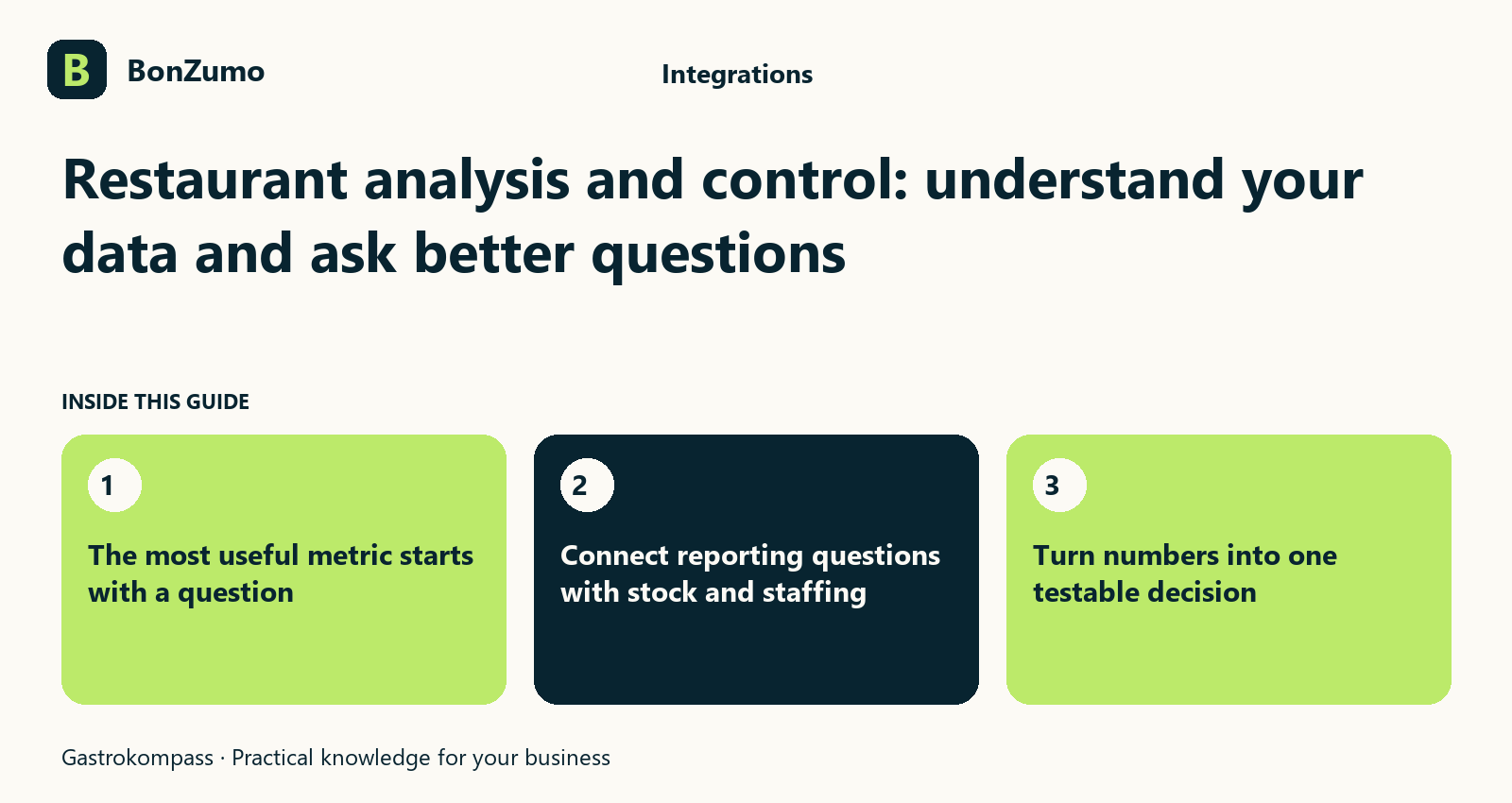
The most useful metric starts with a question
A sales figure on a screen looks unambiguous until two people mean different things by it. The kitchen asks when the workload arose, the service manager asks about the guest rush and accounting needs completed payments. All three questions can concern the same evening but need different data. To use restaurant analysis and control well, start with a decision: what information do you need, for what period and with what operational meaning?
Bonzumo brings sales, orders, staff, stock and closing work into one system environment. Reports can therefore support business questions. Their value depends on understanding what a number means instead of treating it as the answer to everything. Use a quiet Tuesday and a busy Saturday as examples. What might you plan differently afterwards: preparation, staffing, purchasing or menu maintenance? A good report should lead to a comprehensible next step.
Keep orders, production and payment times distinct
A guest orders at seven, the kitchen begins soon afterwards and payment may happen two hours later. A group bill can also involve several payments. Reading a payment hour as direct evidence of kitchen workload tells the wrong story. The number of payments is not automatically the number of guests either. These differences are ordinary in restaurant operations, but become important when you use reports to plan rotas, preparation or offers.
Bonzumo includes sales and closing views as well as split bills. For each chart or report, ask which moment and transaction it represents. Follow one example through an order, a later payment and the closing process. This gives you reliable language for conversations with shift leaders and administrators. A useful analysis connection starts with correct interpretation of the data, not with the export button.
Maintain clear product and category data
If the same cake is sold under three similar names, its demand is hard to recognise in a report. A generic product covering very different items hides distinctions too. Sales reporting is therefore only as helpful as the underlying product structure. When a menu changes, know which products were replaced, which were added and which classifications remain useful for comparison. Otherwise, an apparent shift may simply reflect a different name.
Bonzumo supports product maintenance, recipes and costing. Use these areas to create shared language: service finds the offer, the kitchen recognises it and management can understand its development. That does not require every ingredient to become a separate sales product. Choose a structure suited to your menu and check whether frequent questions or unusually broad totals point to unclear source data.
How the ideas connect
The opening sections of this article, shown together.
The most useful metric starts with a question
A sales figure on a screen looks unambiguous until two people mean different things by it. The kitchen asks when the workload arose,…
Keep orders, production and payment times distinct
A guest orders at seven, the kitchen begins soon afterwards and payment may happen two hours later. A group bill can also involve…
Maintain clear product and category data
If the same cake is sold under three similar names, its demand is hard to recognise in a report. A generic product covering very…
Compare periods fairly
A holiday with an event, an ordinary Wednesday and a shortened trading day cannot be compared by their totals alone. Weather, school holidays and a changed menu may matter too. Before comparing periods, describe what you want to learn. Are you assessing a recurring lunch service, evening sales after a menu change or use of an additional area? Choosing comparable periods is part of the analysis.
Bonzumo provides reports and time groupings in its closing environment. Check which days and sites are included and whether the same scope appears in both views. Record exceptional circumstances in your own operating notes. Software can show that a figure changed; it does not automatically know that terrace heating failed or a large party occupied the private room. Your experience turns numbers into useful input for a decision.
Understand sites and service areas correctly
A venue with several areas asks different questions from a single café. You might want to understand indoor and terrace work separately or compare two locations. Before a total makes sense, establish which businesses, periods and transactions it includes. Higher sales at one site say little about team quality without trading hours, capacity and event context. A good overview is clear about the scope of its own answer.
Bonzumo includes location-related content and operational reporting functions. Which summary is available and suitable for your organisation should be demonstrated against your configuration. Name areas in a way the team actually uses and keep structural changes understandable. You can then ask the same question again later. If the basis changes with every comparison, the figure looks precise but the comparison loses its value.
Connect reporting questions with stock and staffing
A popular dish can bring substantial sales yet still need a different price calculation when purchase prices or portion sizes change. A strong evening can require extra staff hours. Sales alone cannot establish profitability. Decide which additional information supports the particular decision: recipe, food cost, stocktake, planned shift or recorded working time. These measures do not all have to sit in one report. Together, they can help you ask a better question.
Bonzumo includes inventory, recipes, shift planning and time tracking alongside sales. This gives kitchen, purchasing and management a shared starting point. Do not assume an automatically calculated margin if the required costs or classifications are incomplete. Check the quality of the data and discuss anomalies with the people who understand them. An unusual number can then lead to a concrete improvement in preparation or costing.
Move from daily closing to a clear handover
At the end of service you need a different view from the one used during a shift. Open work, payments, cash and receipts need organising before figures are passed on. A completed report is a basis for questions, not permission to quietly rewrite unexplained amounts later. Agree who checks the daily close, how discrepancies are recorded and how material reaches management or accounting.
Bonzumo offers daily closing, reports, cash book areas and a receipt archive. Accounting preparation includes pre-coding, booking rules and a DATEV booking-batch export with pre-checks. The appropriate professional classification depends on your business and advisers. For you, the essential point is that a handover is more than an anonymous file: period, selection, open questions and responsible person should be clear. A later question can then be traced back to the relevant transaction.
Give every data handover a clear purpose
An export helps only if the recipient knows what to do with it. Accounting needs different information from a shift leader planning tomorrow's preparation. Before requesting an interface, check which fields are needed, what period applies and how changes or corrections will be handled. Decide who reviews the data before handover and who answers questions. Otherwise, a technically generated dataset becomes another list full of unexplained figures.
Bonzumo has documented export preparation for accounting data. That does not promise automatic connectivity to every analytics, staffing or tax application. Discuss a specific destination process and assess its capabilities individually. This can benefit restaurant management: you invest in a handover that solves a real problem instead of adding data flows for which nobody takes responsibility.
Investigate anomalies at their source
A report shows an unexpected value: several voids, unusual product sales or a cash difference. The first impulse may be to choose a quick explanation. It is better to return to the underlying transaction. Which period is involved, which payment or item change belongs to it and who knows the operational context? A number on its own proves neither a mistake nor its cause. It first points to something to examine with the available records and responsibilities.
Bonzumo keeps receipts, closing reports and relevant transactions findable within their working context. Use that connection for a fair review, not a blanket judgement about staff. Split bills, role changes and cash handovers can involve several linked steps. If a transaction remains unclear, record the question and the agreed route for resolving it. Reporting then supports a traceable improvement rather than generating rumours within the team.
Turn numbers into one testable decision
Many dashboards fail because people watch them without using them. After reviewing a report, choose one concrete measure: give an item a clearer name, prepare differently before Saturday service or investigate a recurring stock discrepancy. Name the person responsible and a date for looking again. If you change everything at once, it becomes difficult to understand which decision helped.
Bring this way of working to a Bonzumo demo. Ask a real question from your venue and look at what data exists, how the period is chosen and where the underlying transaction remains visible. Then examine an accounting export with the people responsible for receiving it. A useful analysis function does not sell the illusion of automatically correct decisions. It gives you an organised starting point for running your restaurant with clearer questions.
Putting it into practice
Later sections put the topic in the context of day-to-day operations.
Give every data handover a clear purpose
An export helps only if the recipient knows what to do with it. Accounting needs different information from a shift leader planning…
Investigate anomalies at their source
A report shows an unexpected value: several voids, unusual product sales or a cash difference. The first impulse may be to choose a…
Turn numbers into one testable decision
Many dashboards fail because people watch them without using them. After reviewing a report, choose one concrete measure: give an item…