
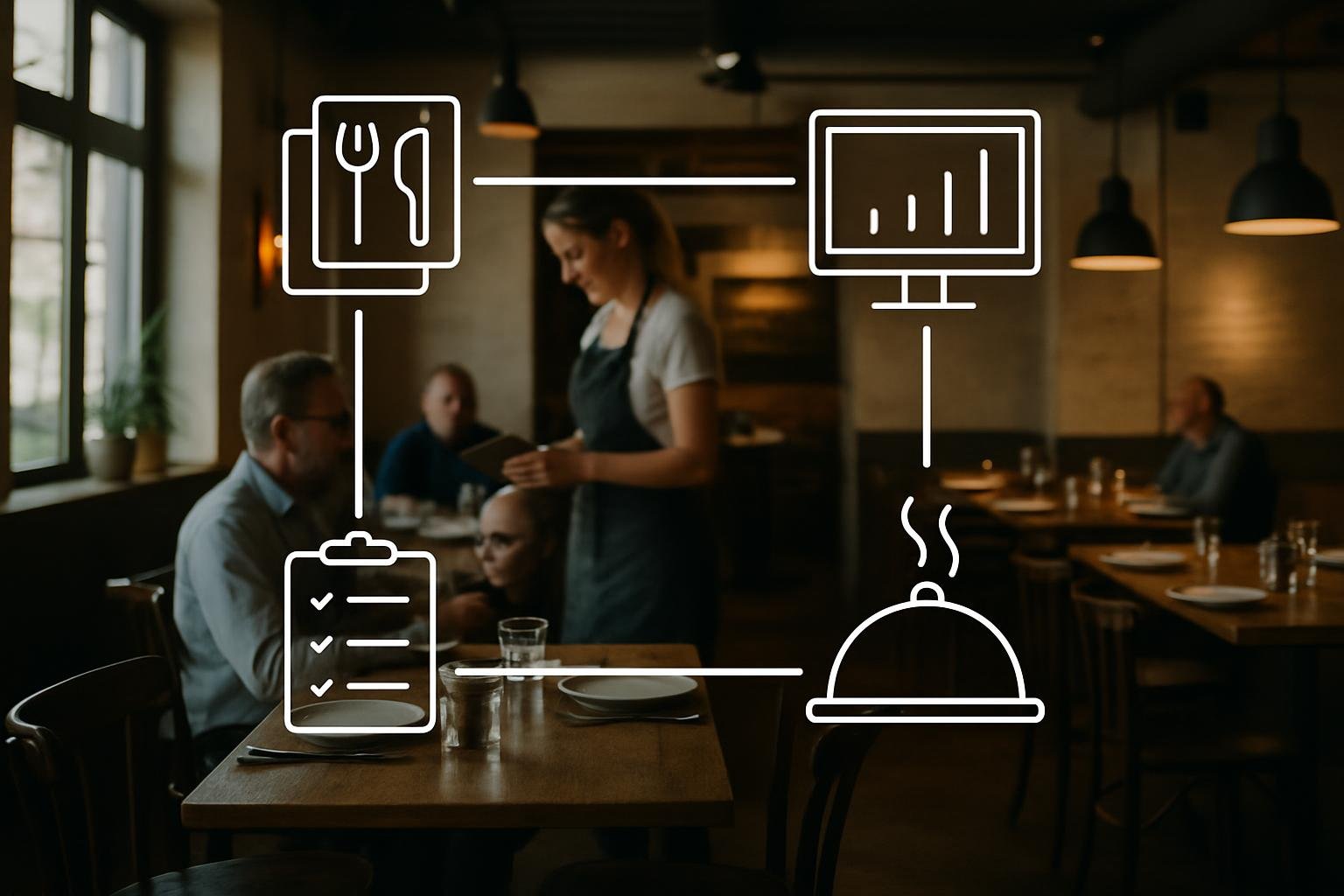
Why the process perspective is the strongest competitive advantage
Think less in isolated features and more in continuous events. In a busy service, the recurring problems that cost time and money are usually not missing functions but fragmented information: orders on paper, payment details in a different system, tips tracked separately, and end-of-day differences nobody can trace back to the originating sale. If you design workflows around the guest transaction as a single, persistent object, you remove many of these error sources at once.
Practical setup advice: map your guest journey from reservation to final receipt and identify where data is currently duplicated or lost. Decide which responsibilities must be handled by the service team, the kitchen and the back office, and then ensure those responsibilities read and write the same single source of truth. During setup, define who can edit orders, who can release courses, who finalizes payments and who can alter accounting-relevant entries.
BonZumo feature (from provided product content): BonZumo links ordering, service, payment, tipping, fiscalization, settlement and management on a common transaction basis. A sale remains a traceable economic event across table, kitchen, payment and closing. Use that consistency when configuring roles and screens so front-of-house, production and accounting work from the same recorded transaction, each with the view they need.
Cut service errors by keeping context where decisions are made
Errors often start when information is moved: a chef misses an allergy note because it was whispered, a bartender starts all items of a menu at once, or a later payment replaces an earlier cash entry that no one can reconcile. Reduce these failures by insisting that guest-relevant detail is entered once at the point of capture and only modified where you have a clear authorization model. Train staff to record allergens, preparation notes and course structure directly on the order; the fewer separate notes you rely on, the fewer misunderstandings you will face under pressure.
Design your screens and workflows for the most common real-world scenarios: table turns, late seatings, reorders and simultaneous counter sales. Test the flows with the actual people who will use them and iterate until the number of clicks and context switches is minimal. Clear visual cues for which items are pending, which course is being prepared and which guest has already paid prevent duplicate actions during busy services.
BonZumo feature (from provided product content): BonZumo stores order notes, article context and course releases inside each order. Table and area plans provide spatial orientation for staff. Verify the fit in a demo by replicating a table exchange, an add-on order and concurrent counter sales to make sure screens and task areas match your real shifts.
End-of-visit handling: payments, tips and receipts without surprises
The payment stage is where guest experience and internal process collide. Decide in advance where payments will be accepted (at the table, at the counter, at a central POS), how split-bills are handled and how tips are recorded and later paid out. Standardize the steps staff must follow for common cases—itemized splits, equal shares or a single payer who wants a business receipt—so that the same choices are chosen every time and reconciliation becomes routine rather than an investigation.
Create a short end-of-service checklist for staff: confirm all items are charged to the correct covers, ensure any vouchers or discounts are applied at the sale, capture tip intent (amount or total) in the same transaction, and attach receipt or billing data while the guest is present. This prevents later disputes and makes the day-closing process far smoother.
BonZumo feature (from provided product content): BonZumo supports splitting checks by items or equal shares, captures tips within the order and keeps receipts and recipient data tied to the sale. It manages cash and configured card payments in the same transactional context. Before going live, align the payment device layout (table terminals versus a central station) with your chosen payment flows so the technology supports the agreed staff routine.
How the ideas connect
The opening sections of this article, shown together.
Why the process perspective is the strongest competitive advantage
Think less in isolated features and more in continuous events. In a busy service, the recurring problems that cost time and money are…
Cut service errors by keeping context where decisions are made
Errors often start when information is moved: a chef misses an allergy note because it was whispered, a bartender starts all items of a…
End-of-visit handling: payments, tips and receipts without surprises
The payment stage is where guest experience and internal process collide. Decide in advance where payments will be accepted (at the…
Synchronize kitchen and production stations so work runs in a predictable rhythm
Production efficiency depends on clear separation of tasks and visible status. Define your station layout (e.g., appetizers, hot line, grill, pastry, bar) and the route each order takes. Make the processing status visible to everyone involved: ordered, in preparation, ready for pickup, delivered. Where multi-course menus are common, implement course-by-course releases so the kitchen starts only the components the table is ready for, preventing cold mains or crowded pass counters.
Assess real running distances and handoff points during setup. Where do servers pick up drinks? Do runners collect at a centralized pass or at multiple pickup points? Align printing and monitor routes to those physical realities. Make prioritization rules explicit: what gets prepared first when the kitchen is under load, and how do you flag urgent modifications (allergies, time-critical items)?
BonZumo feature (from provided product content): BonZumo supports configured production stations, kitchen monitors and the individual release of menu courses. Orders are routed to the relevant stations and display current status on monitors or printers. Bring a multi-course menu and your actual station layout to a demo to validate how orders are distributed and progress becomes visible to both service and production.
Use recipes and inventory as a decision tool, not just a cost report
Treat the menu as the starting point for purchasing and stock management. Maintain recipe-level ingredient lists with realistic yields and expected waste. That discipline makes your cost calculations meaningful when you set prices or evaluate menu changes. Schedule frequent but manageable inventories, and make counting procedures as straightforward as possible so your team performs them accurately and regularly.
When planning a menu change or a seasonal offer, run the change through recipe and stock logic first: what ingredients will be consumed, how will prep time and yields affect production, and what purchasing adjustments are required? This keeps surprises out of both short-term purchasing and longer-term margin management.
BonZumo feature (from provided product content): BonZumo offers recipe maintenance, cost calculation, inventory movements and the link between sales items and stock. You can model base recipes, yields and prep steps so calculated recipe costs and target food cost ratios become useful inputs for pricing and purchasing decisions. Use these functions to test menu adjustments before they go live and to keep purchasing aligned with actual consumption.
Organize your team and closing routines so responsibilities are clear
A clear responsibility model reduces end-of-day friction. Define who creates the shift plan, who approves time entries, who performs the cash count and who prepares the day-close. Keep the closing routine short and repeatable: reconcile payments to the same recorded transactions, verify tip entries against expected totals, archive receipts and flag items that need follow-up.
Use roles and access controls to limit who can change finalized sales or issue refunds. That makes post-shift investigations simpler because you can see which role or user performed each action. Combine a compact closing checklist with an agreed cadence for reviewing anomalies so small issues are resolved quickly and don’t pile up into a large reconciliation problem.
BonZumo feature (from provided product content): BonZumo supports shift planning, time tracking, roles and rights along with day-end procedures, Z-reports, a cashbook and a receipt archive. For preliminary accounting handover, it provides a DATEV booking stack export for further processing. Work with your accountant to set up account mappings and booking rules and test the export process on real closes before relying on it for live accounting handovers.
Putting it into practice
Later sections put the topic in the context of day-to-day operations.
Synchronize kitchen and production stations so work runs in a predictable rhythm
Production efficiency depends on clear separation of tasks and visible status. Define your station layout (e.g., appetizers, hot line,…
Use recipes and inventory as a decision tool, not just a cost report
Treat the menu as the starting point for purchasing and stock management. Maintain recipe-level ingredient lists with realistic yields…
Organize your team and closing routines so responsibilities are clear
A clear responsibility model reduces end-of-day friction. Define who creates the shift plan, who approves time entries, who performs…
Prepare a demo and plan your rollout with real scenarios
The best way to evaluate a process-driven system is to show it your actual service cases. Prepare a typical service day for the demo: reservations with staggered arrivals, a fully booked shift, multi-course tables, a group that wants separate payment, an inventory count and a typical end-of-day reconciliation question. Simulate the devices you use today—payment terminals, kitchen monitors and any ticket printers—so the demo reflects your working reality.
During rollout, stagger training: teach managers the overview flows first, then train service and kitchen staff on their focused screens. Run parallel shifts where possible so staff can test the real behavior without the pressure of full service. Collect small improvement items during the first weeks and prioritize the few changes that reduce repetitive friction the most.
BonZumo recommendation (from provided product content): BonZumo invites you to bring your most demanding service scenario and actual devices into a demo. Walk through the sequence from reservation to final accounting and test edge cases together. Finally, clarify technical and legal details—such as fiscal requirements, payment device choices and your accountant's expectations—with the relevant partners before you go live.